How does the AI detect hype moments?
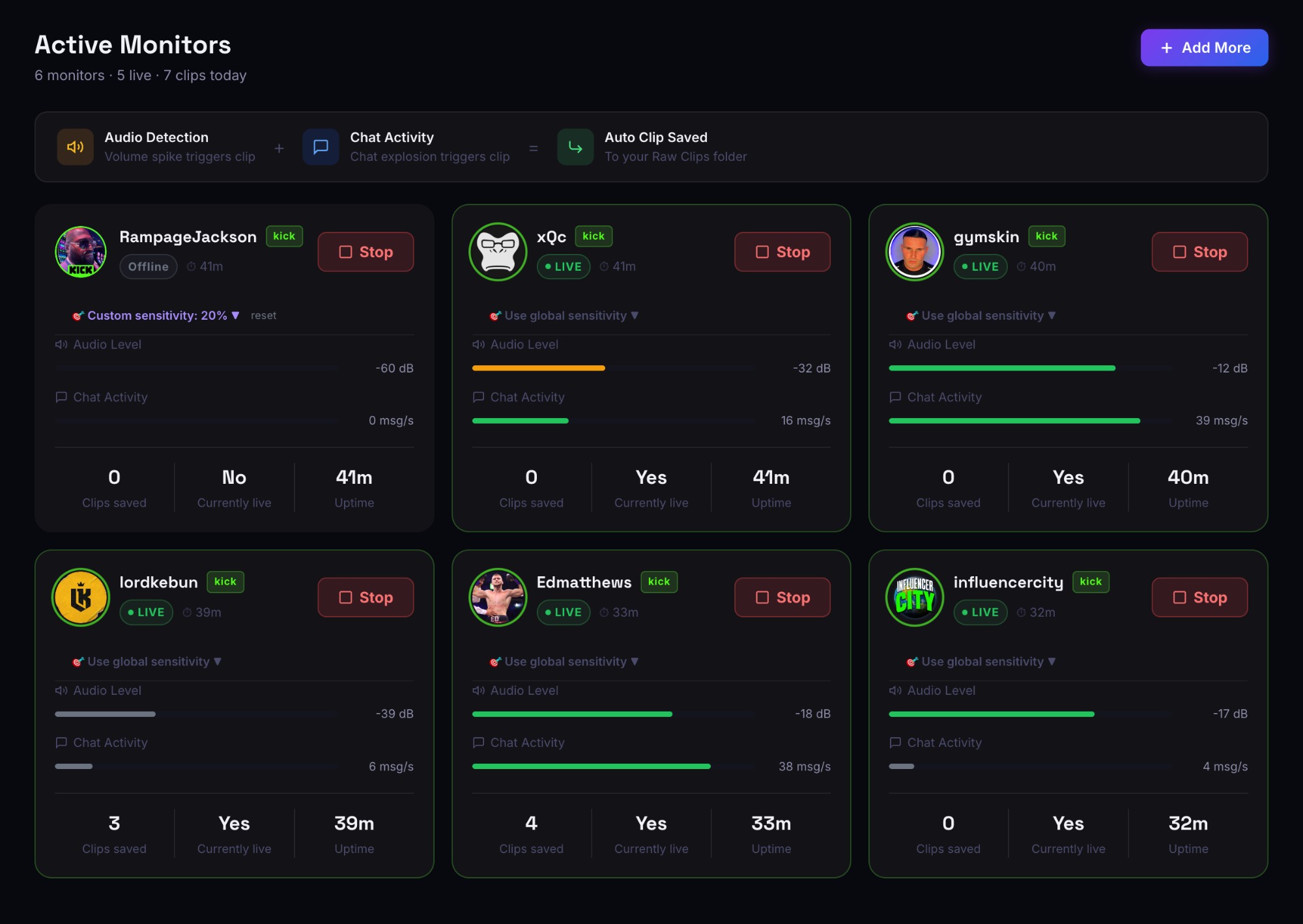
ClipStream analyzes two signals in real time: sudden volume/energy spikes in the streamer's audio, and the message-per-second rate in live chat. When both spike together, it's almost always a clip-worthy moment. The system also learns from every clip you rate 4★+ to get more accurate for the streamers you actually watch.
Do I have to run my computer 24/7?
Only when you want to be monitoring. Most users leave ClipStream running in the background on their main machine or a spare laptop. Clips land locally, so when you come back you have everything from the session already cut.
What platforms does it support?
Twitch, YouTube Live, and Kick — the three biggest live-streaming platforms. ClipStream is a native desktop app for macOS and Windows.
Will it strain my computer?
Most of the heavy lifting is just recording a stream feed, which a modern laptop handles without breaking a sweat. Monitoring one stream uses about as much CPU as a browser tab playing a YouTube video. Running 10+ simultaneous monitors is where a beefier machine helps.
What happens if I cancel during the trial?
Zero charge. You keep access through the end of day 7, then the subscription ends automatically. No credit card re-negotiation, no awkward cancellation call.
What's the difference between the four tiers?
Every tier captures clips automatically. Starter ($19.99) is the basics: up to 3 streamers, manual editor, basic exports. Pro ($29.99) adds AI Auto-Edit — one-click TikTok-ready vertical clips with karaoke captions. Studio ($49.99) adds custom webcam-box picker, bulk auto-edit, and 5× higher AI quotas. Unlimited ($79.99) removes every cap. The 7-day free trial unlocks everything in Unlimited regardless of which plan you sign up for.
Can I export clips to Premiere or DaVinci?
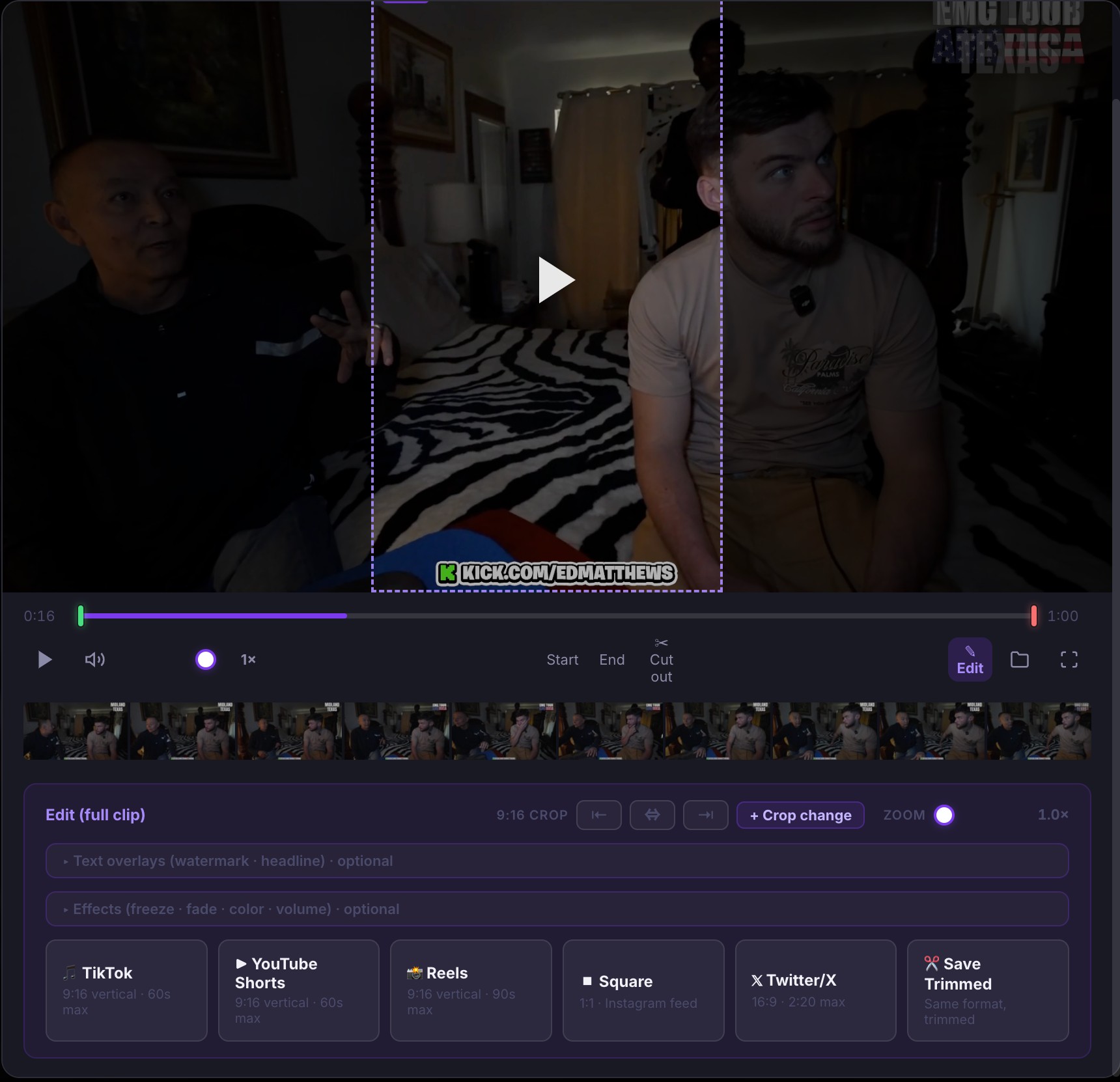
Absolutely. Clips are saved as regular MP4 files in your Raw Clips folder — drop them straight into any NLE. The built-in editor is for quick polish; the files are always there untouched.
Who owns the clips?
You do. ClipStream never uploads your recordings anywhere — they live entirely on your hard drive. All we handle is detection and cutting, locally. That said, always respect each platform's Terms of Service and the creator's content rights when you re-upload or redistribute.
What if I have a problem?
Reply to any email from support@clipstreamapp.com and you'll reach us directly. Most questions get answered the same day.